No cost, no obligation — a structured first look at where AI fits your business.
CheaperFasterReadyScalable
How you get the edge
How does ThinkAIWays turn an AI idea into a working system?
ThinkAIWays researches, builds, integrates, and runs AI systems under one accountable team. The goal is to make AI part of daily work, not another isolated demo.
Business & Market Research
Market, customers, and operational pain.
AI Consultation
The highest-impact opportunities, prioritized.
AI Implementation & Development
Agents, automation, intelligence layers.
Software & App Development
Dashboards, portals, and apps to deploy.
Hardware Procurement & Setup
Infrastructure sourced and integrated.
Monitoring & Improving
Operated and improved after launch.
Outcome
Working AI Systems
Six disciplines · one accountable team
What AI can move for you
Illustrative typical range — targets set during the audit. 0×
Revenue growth
Leaders grow revenue ~1.5× faster over three years.
Illustrative typical range — targets set during the audit. −0%
Operating cost
Where AI is applied to the right workflows.
Illustrative typical range — targets set during the audit. −0%
Time to execute
Faster turnaround on work that used to bottleneck.
Illustrative typical range — targets set during the audit. +0%
Team productivity
Your people spend time on higher-value work.
Directional ranges from typical engagements — we set and measure your targets in the AI Production Audit.
Not sure where AI fits your business? Start with a fixed-scope audit.
Support tickets and WhatsApp orders scale faster than the team — unanswered pre-purchase questions quietly kill conversions, worst of all across Arabic and English.
Regional proof: UAE Emirates Health Services. Typical ranges from documented deployments — we set realistic targets during the audit.
Figures are typical ranges from documented industry deployments, shown for illustration. We set and measure the specific targets for your business during the audit.
Studio advantage
One build, many industries. The lead-response agent for real estate is the same core as the reservation agent for F&B, the booking agent for clinics, and the WhatsApp sales agent for e-commerce — built once, deployed across your sector.
Our model
What is the ThinkAIWays AI implementation model?
The ThinkAIWays model is to understand the business, guide the AI opportunity, build the system, and run it in production. One team stays accountable from workflow discovery to live operations.
Stage 01
Understand
Learn how your business actually works before recommending anything.
Business & workflow research
Team & customer interviews
Tools & data audit
Pain-point mapping
Cost & opportunity baseline
Stage 02
Advise
Identify the right opportunity before a line of code is written.
AI opportunity discovery
Workflow diagnosis
ROI & value model
Data readiness assessment
Practical build roadmap
Stage 03
Build
Design and implement the AI system into how you already work.
AI agents
RAG & knowledge systems
Workflow automation
Dashboards & internal tools
CRM / ERP integrations
Stage 04
Run
Monitor, improve, and support the workflow when you need us to.
Human-in-the-loop review
Monitoring & QA
Continuous improvement
Reporting
Managed operations
Services
What AI services does ThinkAIWays deliver?
ThinkAIWays delivers AI strategy, opportunity mapping, agent implementation, workflow automation, product development, data engineering, model selection, and managed AI support. The service model is built to move from “AI could help here” to production systems that create real value.
We find your highest-leverage AI opportunities, pressure-test feasibility, and hand you an actionable roadmap. You walk away with more than a strategy deck — you get a working prototype that proves value in weeks.
Internal copilot, agentic workflow, or customer-facing product — we design and ship production-grade systems, embedded with your team so it scales and your people can own it after we leave.
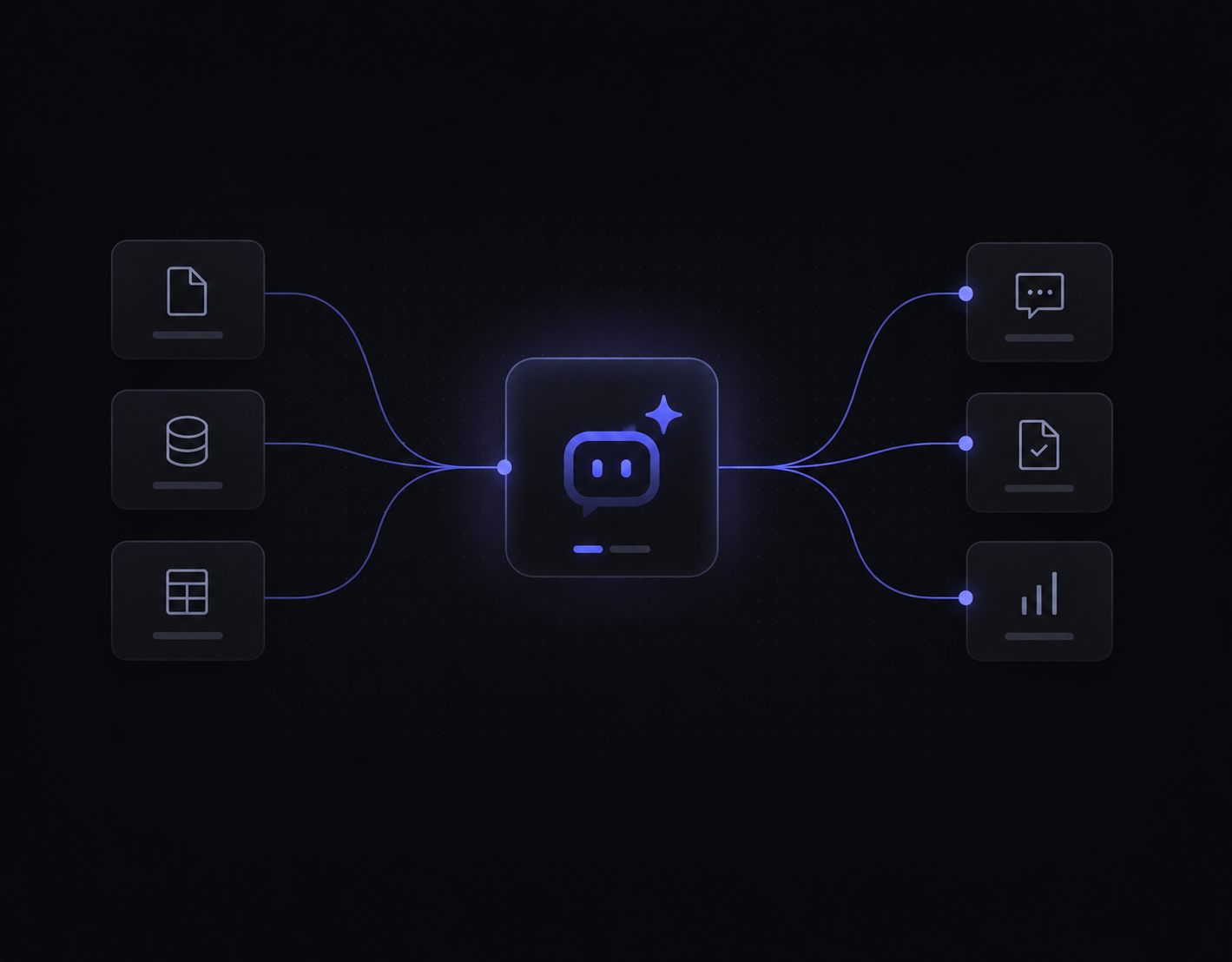
We build with LLMs, RAG pipelines, and multi-step agents to automate knowledge work, answer questions over your data, and orchestrate complex workflows — grounded in your context, guardrailed for safety, tuned for cost.
The pipelines, feature stores, and ML infrastructure production AI depends on — plus the traditional ML and forecasting models that still beat LLMs for many tasks. Secure, scalable, fitted to your existing stack.
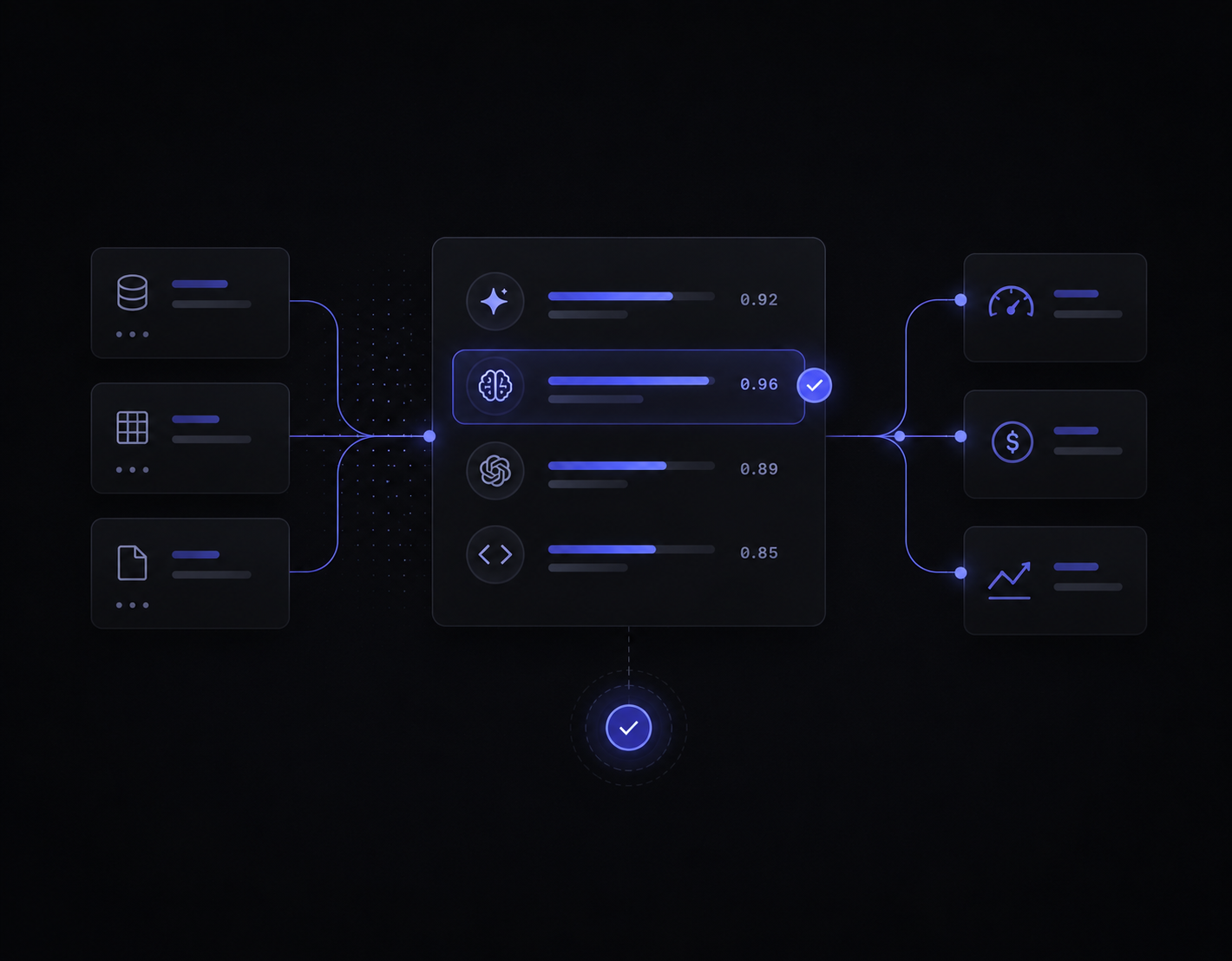
We benchmark models against your real-world data to pick and fine-tune the right one — open-source, proprietary, or custom — for measurably better performance at a defensible price.
After launch we stay close — monitoring performance, applying updates, and retraining as your data and needs shift — so your AI stays accurate and cost-effective instead of quietly degrading.
Where does AI create measurable value inside a business?
AI creates measurable value when it is connected to repeatable functions such as customer support, sales, reporting, documents, operations, recruitment, and quality control. These use cases cut across most growing companies and can then be adapted to each industry.
01Customer-facing
01
Customer Support Automation
Problem: Teams drown in repetitive tickets and slow first responses hurt the customer experience.
Illustrative typical ranges — targets set during the audit.
60%
Routine tickets auto-resolved
4×
Faster first response
04
Lead Qualification & Follow-up
Problem: Sales chases unqualified leads while warm ones go cold from slow follow-up.
Illustrative typical ranges — targets set during the audit.
25%
More qualified meetings
<5 min
Lead response time
02Operations & admin
02
Back-Office Automation
Problem: Manual data entry and admin work consume staff hours and quietly inflate operating cost.
Illustrative typical ranges — targets set during the audit.
20%
Lower operating cost
30%
Of manual hours reclaimed
03
Document Processing
Problem: Invoices, contracts, and forms are read and re-keyed by hand — slow and error-prone.
Illustrative typical ranges — targets set during the audit.
70%
Faster processing
90%
Extraction accuracy
03Insight & decisions
05
Finance & Reporting
Problem: Monthly reporting takes days of spreadsheet wrangling before anyone can decide anything.
Illustrative typical ranges — targets set during the audit.
80%
Faster monthly reporting
Days→Hrs
Close cycle
09
Inventory & Demand Insights
Problem: Guesswork on stock leads to costly overstock and lost sales from stockouts.
Illustrative typical ranges — targets set during the audit.
15%
Less excess stock
20%
Fewer stockouts
04People & knowledge
06
Recruitment & CV Screening
Problem: Recruiters spend hours screening CVs instead of speaking with the best candidates.
Illustrative typical ranges — targets set during the audit.
50%
Less screening time
40%
Faster time-to-shortlist
07
Internal Knowledge Assistant
Problem: Staff waste time hunting through docs or interrupting colleagues to find answers.
Illustrative typical ranges — targets set during the audit.
5×
Faster answers
24/7
Self-serve access
05Growth & quality
08
Marketing Content Production
Problem: Content output is throttled by small teams and expensive external agencies.
Illustrative typical ranges — targets set during the audit.
3×
More content output
35%
Lower agency spend
10
Quality Assurance & Monitoring
Problem: Manual QA is inconsistent, and issues in live workflows are caught too late.
Illustrative typical ranges — targets set during the audit.
Illustrative target ranges based on typical engagements — we set and measure the specific numbers for your business in the audit.
Tech stack
Which technology stack does ThinkAIWays use for AI projects?
ThinkAIWays is technology-agnostic and outcome-led. We choose AI models, data tools, automation platforms, integrations, and product frameworks based on the business goal, data sensitivity, cost, and scalability needs.
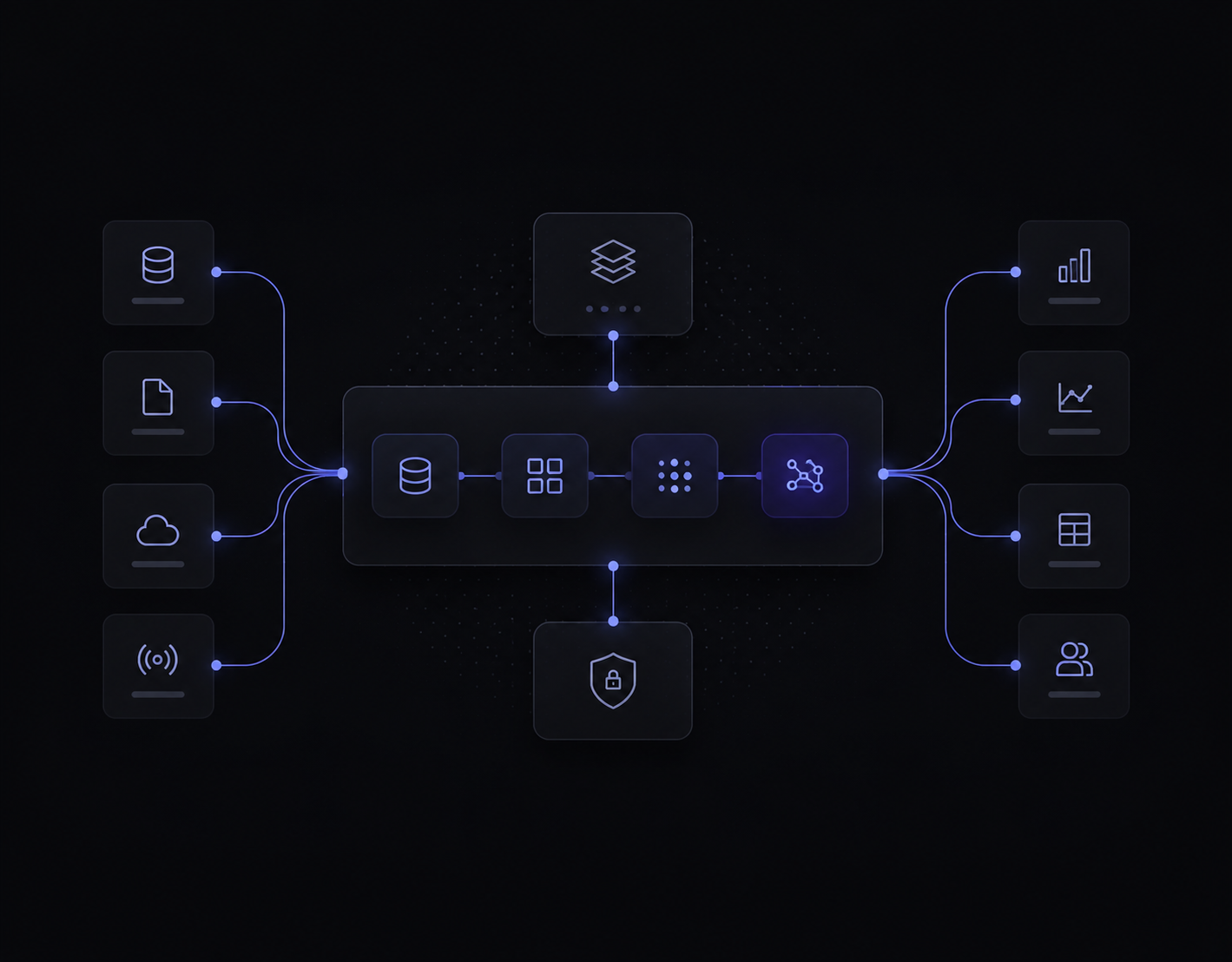
Our stack spans seven layers: AI models and LLMs (OpenAI, Anthropic Claude, Google Gemini, Meta Llama, Mistral, model-per-use-case); AI frameworks and agents (LangChain, LlamaIndex, CrewAI, AutoGen, custom agents, RAG pipelines, prompt orchestration); automation and integration (Make, Zapier, n8n, APIs, webhooks, CRM/ERP, custom middleware); data and knowledge (vector databases, Pinecone, Weaviate, Chroma, PostgreSQL, BigQuery, knowledge bases); product and app development (Next.js, React, Node.js, Python, FastAPI, Supabase, Firebase, mobile frameworks); business systems (HubSpot, Salesforce, Zoho, Odoo, Google Workspace, Microsoft 365, Slack, Notion, Airtable); and cloud and deployment (AWS, Google Cloud, Azure, Vercel, Docker, secure cloud or on-premise).
We choose the stack based on business goals, data sensitivity, integration needs, cost, and scalability.
How we work
How does ThinkAIWays get AI into production?
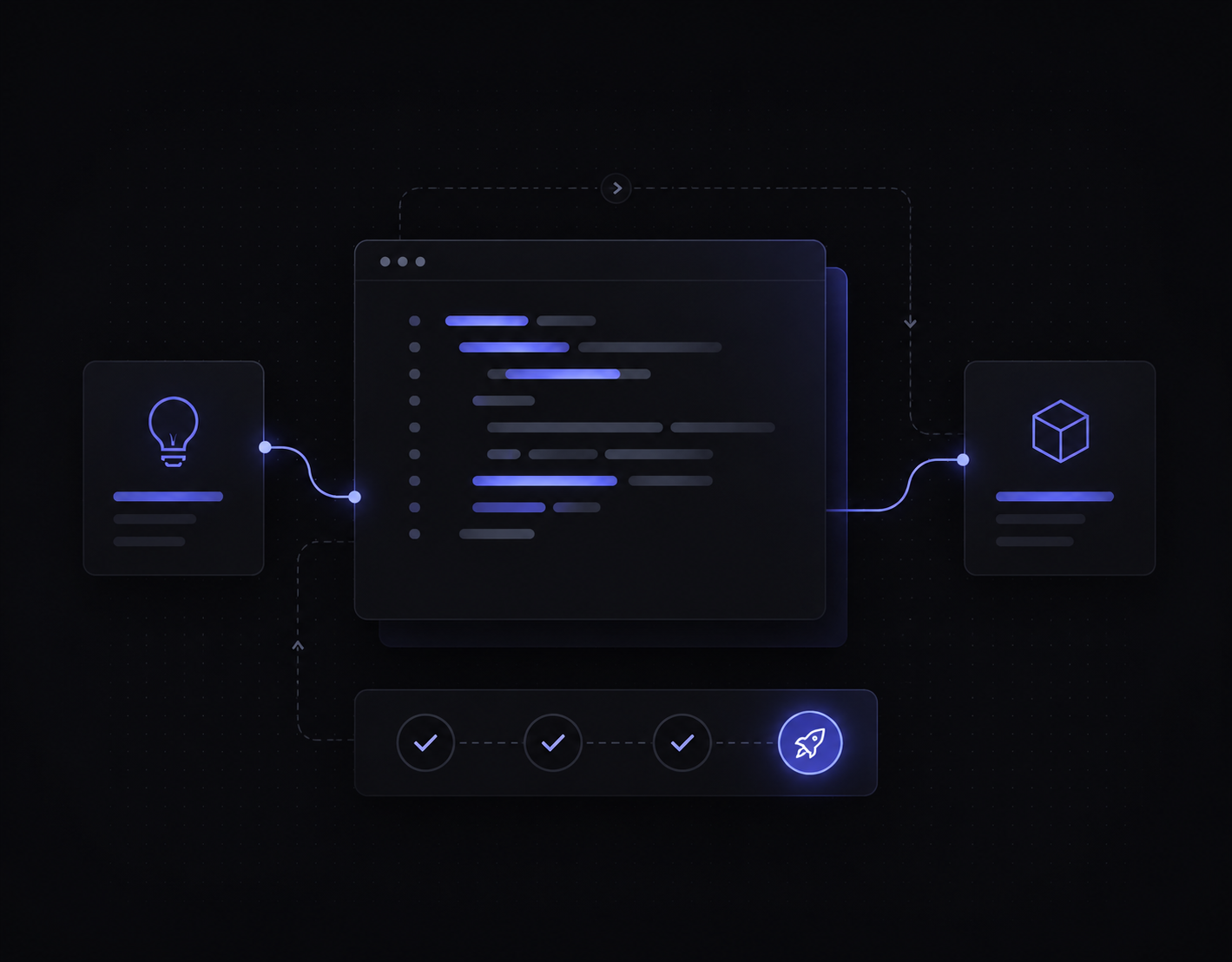
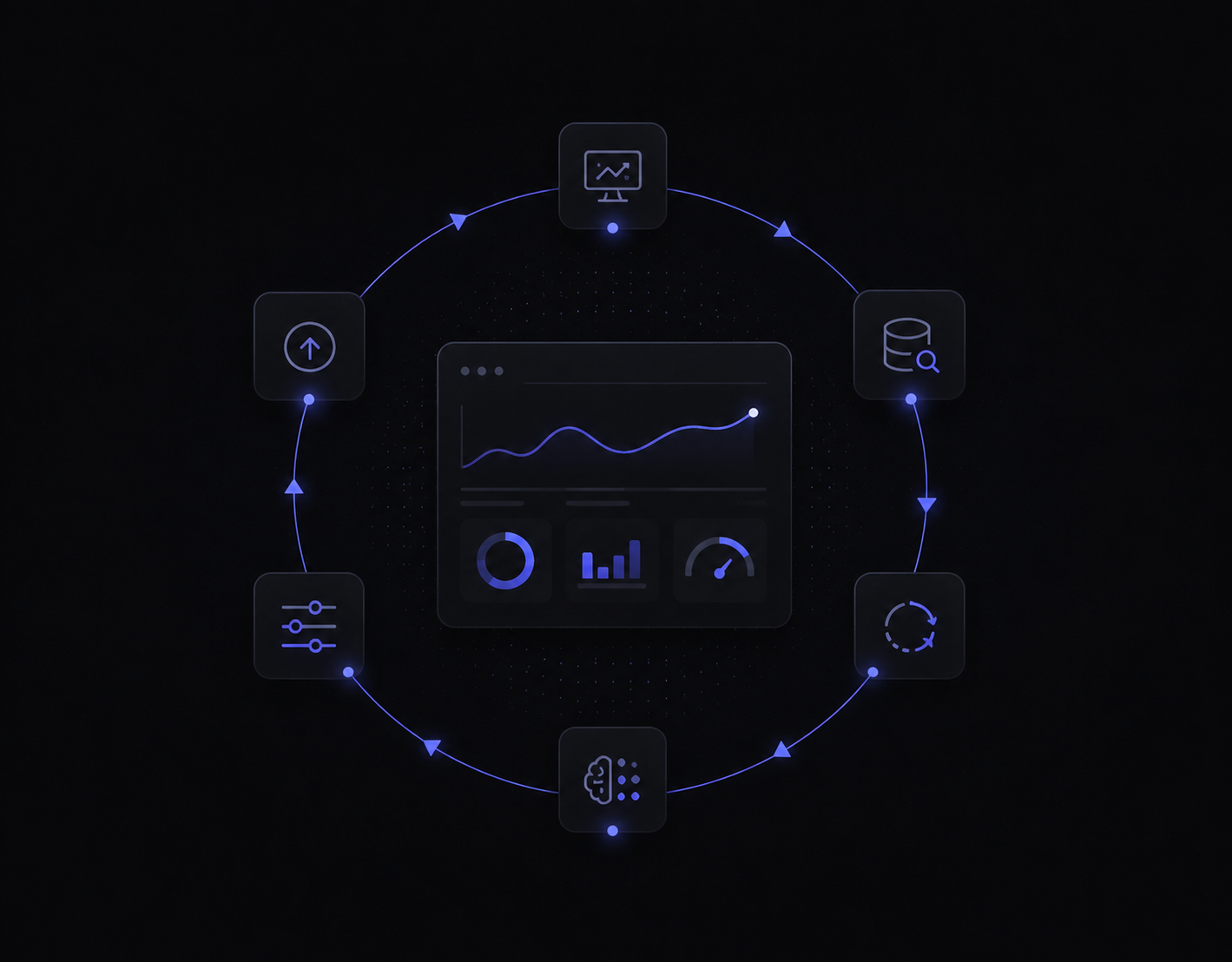
ThinkAIWays uses six stages: discover, design, build, launch, run, and improve. This moves AI from business pain to a live system that keeps improving after deployment.
1
Discover
Discover
Understand business pain, workflow, data, teams, and value.
2
Design
Design
Map the workflow, solution architecture, UX, and success metrics.
3
Build
Build
Develop agents, automations, integrations, dashboards, and tools.
4
Launch
Launch
Test with real users, train the team, and move it into daily work.
5
Run
Run
Monitor quality, support human-in-the-loop review, handle exceptions.
6
Improve
Improve
Use feedback and data to improve accuracy, speed, and value.
Why ThinkAIWays
Why choose ThinkAIWays instead of generic AI tools or consultants?
ThinkAIWays combines advisory, implementation, integration, and managed operations. That matters because many AI tools and consulting projects stop before the system is embedded into real workflows.
DIY AI tools
Self-serve
Fast to start
Hard to integrate
No governance
Limited adoption
Traditional consultants
Strategy
Strong strategy
Often stop at slides
Slow implementation
Limited operating ownership
Automation agencies
Build
Build workflows
May miss business context
Limited ROI thinking
Leave you to run it
Freelancers
Flexible
Flexible
Useful for small tasks
Limited continuity
No operating support
ThinkAIWays
Advise · Build · Run
Business-first discovery
AI implementation
Workflow integration
Human-in-the-loop operations
Build-and-run accountability
Reusable systems & long-term improvement
The AI Lab behind us
How does the ThinkAIWays AI Lab improve client delivery?
The ThinkAIWays consulting arm gives the lab direct exposure to real business problems. When the same pain appears across companies, we turn it into reusable agents, internal tools, operating playbooks, and future AI products.
Practical market learningReusable frameworksInternal AI toolsFaster implementation patternsA team thinking beyond one-off projects
AI Venture Studio · Lab
Sees repeated problems → builds reusable systems
Consulting arm finds real pain
Reusable agents & tools
Faster client delivery
Clients get the learning curve of many engagements — not just their own.
Proof
What evidence can ThinkAIWays show today?
ThinkAIWays shows working demos, internal AI systems, implementation frameworks, and live operating patterns instead of borrowed case-study claims. Verified client results will be added as engagements complete and can be cited responsibly.
Demointernal agent demo
Internal AI agents
Live agents we run in-house for research, drafting, and operations — the same patterns we deploy for clients.
Before / Afterworkflow comparison
Workflow before & after
A manual process mapped against its automated version — steps removed, time saved, hand-offs cut.
Sampleaudit output
AI Production Audit sample
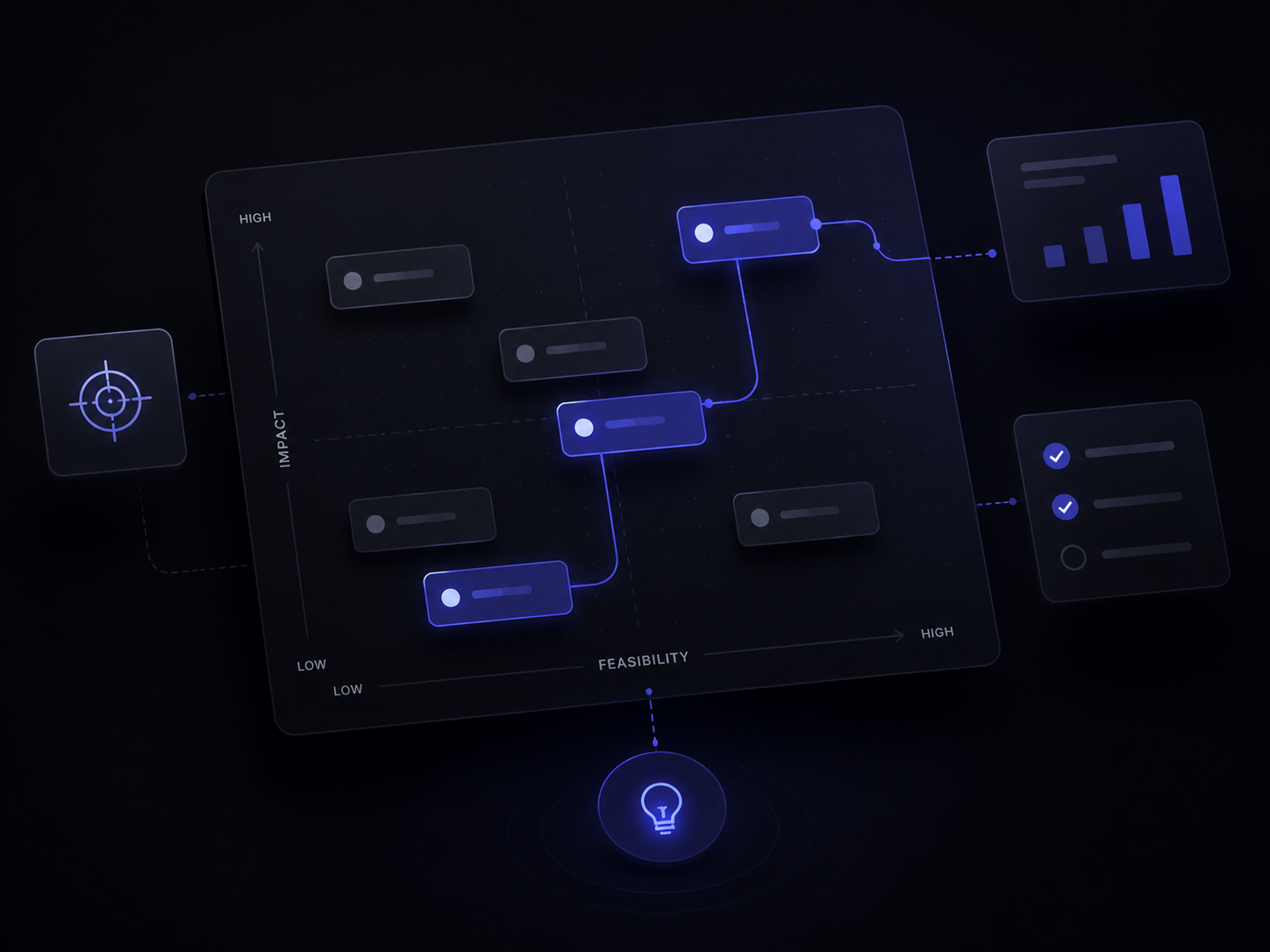
A redacted opportunity map and use-case scoring sheet — exactly what you receive from an audit.
Frameworkuse-case scoring
Use-case scoring model
How we rank opportunities by value, feasibility, data readiness, and adoption risk.
Internal systemops dashboard concept
Managed operations dashboard
A monitoring and human-in-the-loop QA view concept for AI workflows we run.
Case study coming soonverified results pending
Client outcomes
We publish verified client metrics here as engagements complete — no invented numbers.
Why us
Why does business operations experience matter for AI enablement?
AI enablement works best when the team understands leadership priorities, business processes, IT constraints, and day-to-day operations. ThinkAIWays is built by operators and engineers who can translate between those groups, then build and run what we recommend.
Built around practical outcomes, not AI hype.
Business & operations
Marketing & growth
Finance & ROI thinking
Research & analysis
Software & hardware
Applied AI systems
Human-in-the-loop ops
Advise, build & run
How do companies move from AI pilots to working business systems?
How can you find where AI will create value in your business?
Start with an AI Production Audit. ThinkAIWays identifies your highest-value use cases, assesses feasibility, and gives you a practical roadmap from idea to implementation.